Twitter monitoring tools on Github
There are many reasons why one might want to monitor what’s happening on social media. And there are also many cases where there’s a real public interest in monitoring particular activities. Despite having been shut down by Twitter recently, Sun Foundation’s Politwoops was doing the conversation a service by keeping a record of US Congressmen’s tweets - asking them why they deleted some of them.
Disclaimer: keeping tweets that were deleted is against Twitter’s policy (you know, this document you signed without reading it when you signed up). You’re supposed to honour this rule: if it’s not on Twitter (because it has been deleted or because the user is private or has been suspended), you must delete the content.
However, there’s a case for not honouring this policy. And here are some tools to do so - use them at your own risks.
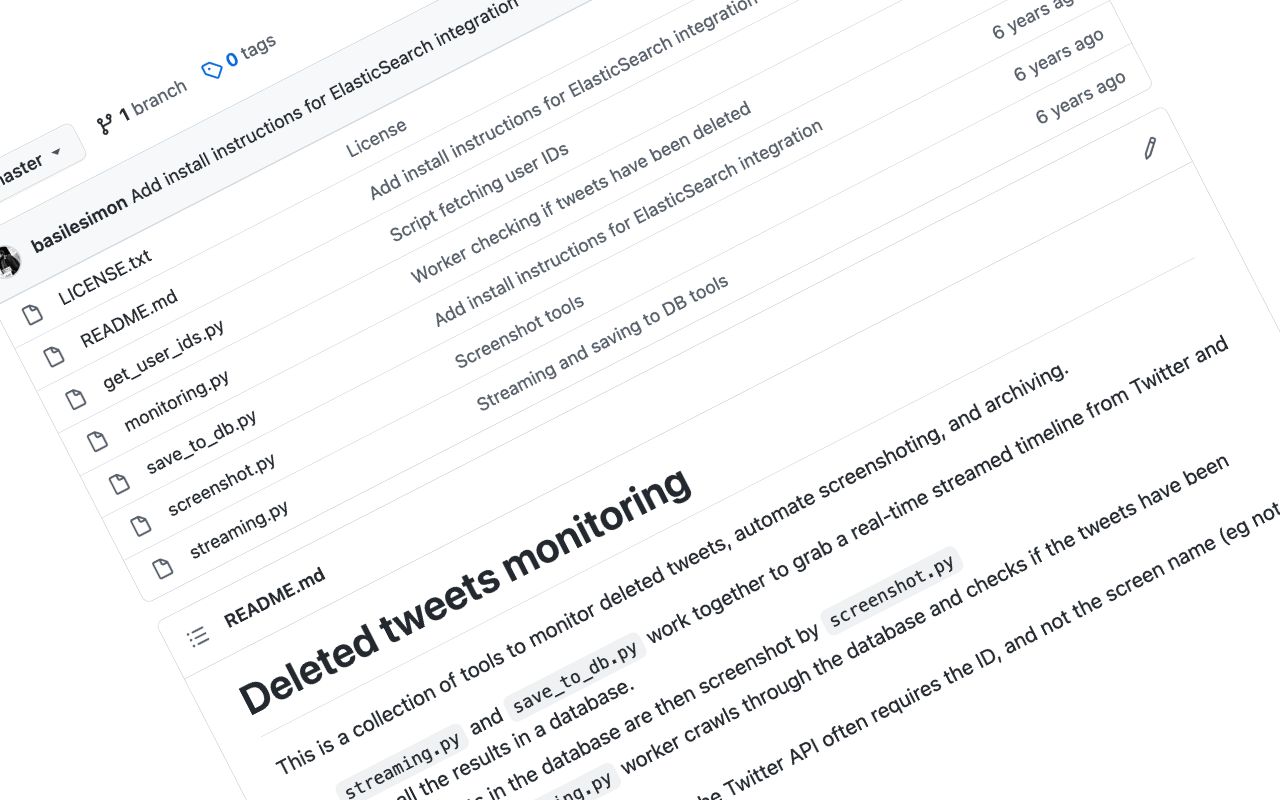
You will find in this Github repository a collection of Python scripts to monitor deleted tweets, automate screenshoting, and archiving.
streaming.pyandsave_to_db.pywork together to grab a real-time streamed timeline from Twitter and save all the results in a database.- All the tweets in the database are then screenshot by
screenshot.py - Finally, the
monitoring.pyworker crawls through the database and checks if the tweets have been deleted. - I included
get_user_ids.py, as the Twitter API often requires the ID, and not the screen name (eg not “@basilesimon”).
Dependencies and install
git clonethis repopip install tweepypip install MySQL-python(but you might need toapt-get install build-essential python-dev libmysqlclient-dev. I read it’s easy to install on Max OS, with Homebrew)pip install needle- You will need a comma-separated list of user IDs (see below), or a list of keywords you want to track. See all the other options in the Docs.
- Obviously, you will also need your developer access keys and things. Paste them in the placeholders accordingly in each file.
Comma-separated list of user IDs
I use the wonderful t from sferik, a command line tool for twitter shenanigans. Usually, I have an account following all the people I want to track - but it also works with lists.
$ t followings [account] > list.csvpython get_user_ids.py > ids.csv
Run the program
Then to run it:
- Run
streaming.py. Constantly. If it doesn’t run, you’re not saving the tweets. - Run
nosetests screenshot.py --with-save-baseline --nocaptureperiodically to grab the screenshots. - Run
monitoring.pyperiodically to check for deleted tweets.
You might want to consider running all these with cron on a server. Just saying.